Baby Games For Preschool Kids: Learning Through Play
What This Game Is About
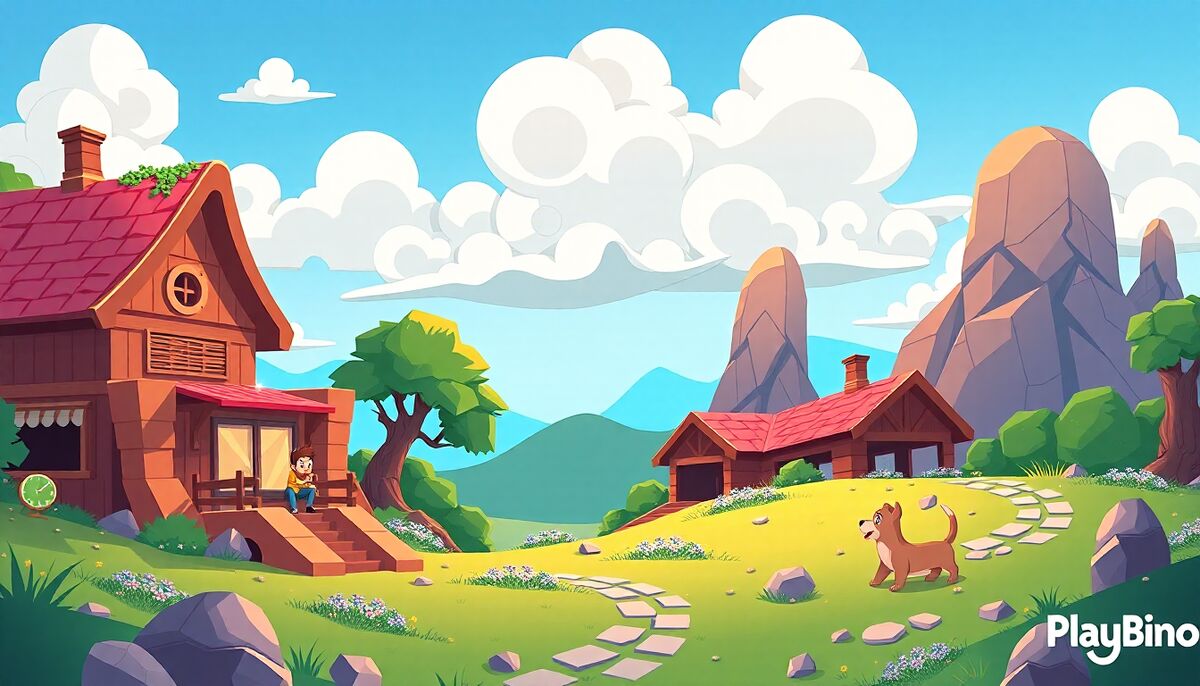
Not every browser game is built for speed or competition. Baby Games For Preschool Kids takes a completely different approach — it's a calm, colorful collection of mini-games designed specifically for toddlers and young children. Rather than scores or timers, the focus is on exploration, recognition, and gentle discovery. You can try it directly in your browser without any downloads or setup, making it easy for a parent or caregiver to open and hand over to a child in seconds.
Three Themed Areas to Explore
The game is divided into three distinct sections, each offering a different environment and set of activities. This structure keeps young players from feeling overwhelmed while giving them enough variety to stay curious.
Happy Island
Happy Island introduces the youngest players to basic interactive challenges in a bright, welcoming setting. Activities here revolve around recognizing familiar shapes and colors, with large, easy-to-tap visuals that respond clearly to touch.
Forest Adventure
Forest Adventure brings in friendly animal characters and slightly more involved matching tasks. Children encounter creatures from the natural world and interact with them through simple logic-based activities — identifying sizes, sorting objects, and pairing images.
Cheerful Games
The third section, Cheerful Games, rounds out the experience with lighthearted puzzles that build confidence. There's no pressure here. Children can move at their own pace, repeat activities freely, and enjoy the cheerful animations without any frustration.
What Children Actually Practice
Each mini-game targets a specific early cognitive skill. Across the three areas, young players work on:
- Color recognition — identifying and matching colors through visual cues
- Shape awareness — sorting and distinguishing basic geometric forms
- Size comparison — understanding bigger, smaller, and relative scale
- Animal familiarity — connecting images to common animals
- Memory and attention — short recall tasks that build focus gradually
These are foundational brain and logic skills that align with early preschool learning goals. The game doesn't lecture or test — it simply presents each concept through play, letting repetition do the teaching naturally.
How the Interaction Works
The controls are intentionally minimal. Tapping or clicking is all that's needed. There are no complex menus, no reading required, and no penalty for wrong answers. When a child makes a mistake, the game responds gently and allows another attempt. This low-friction design is deliberate — it keeps the focus on exploration rather than performance.
Bright animations reward correct interactions, and the cheerful visual style maintains engagement without overstimulating. The pacing is slow enough for a two-year-old but engaging enough to hold the attention of a five-year-old working through the more involved matching puzzles.
Color Recognition as a Standalone Challenge
One of the core skills reinforced throughout this game is color identification. If your child enjoys that type of visual puzzle, the browser game Find The Color takes a similar concept and builds it into a focused standalone challenge — worth exploring once a child is comfortable with basic color matching.
Who This Game Works Best For
Baby Games For Preschool Kids on PlayBino is most suited for children aged roughly two to five. It works well as a short screen-time activity, a quiet wind-down game, or a supplementary tool alongside other early learning materials. Parents can sit alongside younger toddlers to guide interactions, while older preschoolers can navigate the sections independently.
The absence of timers, competitive elements, or failure states makes it genuinely stress-free. For a child just beginning to interact with digital devices, the forgiving mechanics and clear visual feedback create a positive first experience with browser-based puzzle play.