Bridge Constructor: Build, Test, and Survive Your Own Designs
What This Game Actually Is
Bridge Constructor sits at an interesting crossroads between puzzle design and physics simulation. You are not just placing planks and hoping for the best — every decision about material placement, angle, and load distribution feeds directly into whether your structure survives. The game challenges you to think like an engineer without requiring any real engineering knowledge, just logic, observation, and a willingness to rebuild when things fall apart.
You can play it directly in your browser without any downloads, which makes it easy to jump into a level, test an idea, and iterate quickly.
Construction Mechanics and Materials
Each level gives you a limited selection of materials — typically wood, steel cables, and support pillars — and a fixed budget or piece count. The challenge is not to use everything available but to use the right combination in the right places. Overbuilding wastes resources. Underbuilding causes collapse. Finding the efficient middle ground is where the real puzzle logic lives.
Load Distribution
The physics engine responds to weight in a realistic way. A flat span without triangulation will sag and snap under load. Adding diagonal supports transfers force down into the anchor points rather than letting it concentrate in the middle. Once you internalize this, your approach to each gap changes completely.
Weak Points
After you finish a design, the game runs a stress test. Colored indicators show which sections are under the most tension or compression. Red means danger. This feedback loop is one of the most useful teaching tools in the game — it tells you exactly where your logic broke down so you can fix the right section instead of guessing.
Running the Bridge Yourself
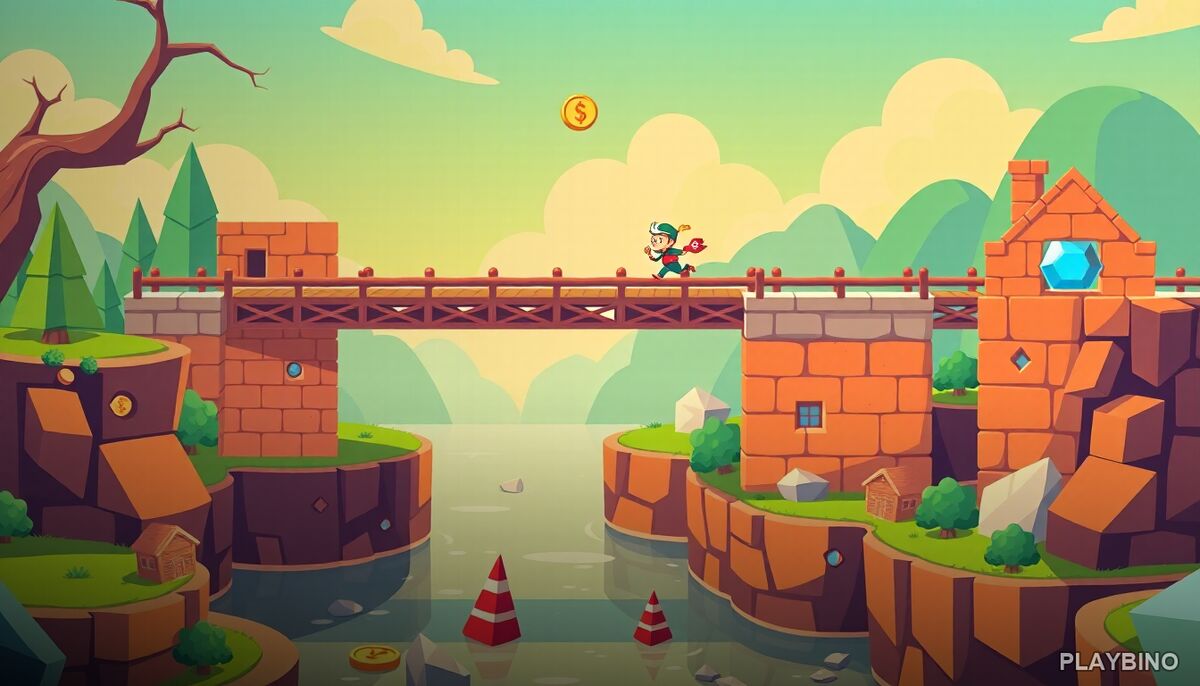
What separates Bridge Constructor from a pure simulation is the platforming layer. Once you build, you run across the structure yourself. Gaps, traps, and moving obstacles are scattered through the levels, meaning your bridge needs to be both structurally sound and physically navigable. A bridge that passes the stress test can still get you killed if the path is too narrow or the timing is wrong.
This dual requirement — structural integrity plus safe traversal — is what keeps the strategy interesting across dozens of levels. You are solving two problems at once.
Progression and Upgrades
Gems and coins collected during runs unlock character skins and ability upgrades. These are not cosmetic distractions. Some upgrades expand what you can do on harder stages, giving you more options for dealing with increased weight loads or more complex obstacle patterns. The difficulty curve is steady rather than sudden, which gives you time to build intuition before the game starts demanding more creative solutions.
- Collect gems during each run to fund upgrades
- Unlock abilities that open new approaches to late-game levels
- Character skins add variety without affecting core mechanics
- Harder stages introduce new hazard types and tighter material limits
Who This Game Suits
If you enjoy puzzle games that reward patience and systematic thinking over quick reflexes, Bridge Constructor delivers that consistently. The satisfaction of watching a design hold under full load after several failed attempts is genuine. It is a single-player experience that moves at your pace — no timers pushing you to rush, just the problem in front of you and the materials in your hand.
Block Craft 3D School takes a different angle on construction-based gameplay — that browser building experience is worth a look if you want something more freeform after working through structured puzzles here.
Strategy That Actually Helps
A few habits make a real difference in Bridge Constructor. Always anchor your supports as close to the edges of the gap as possible. Use triangles — they are the most stable shape in structural design and the game's physics reflect that. When a section fails, look at the stress indicators before rebuilding