City Constructor Driver 3D Game – Truck Driving and Urban Building Guide
What Kind of Game Is This?
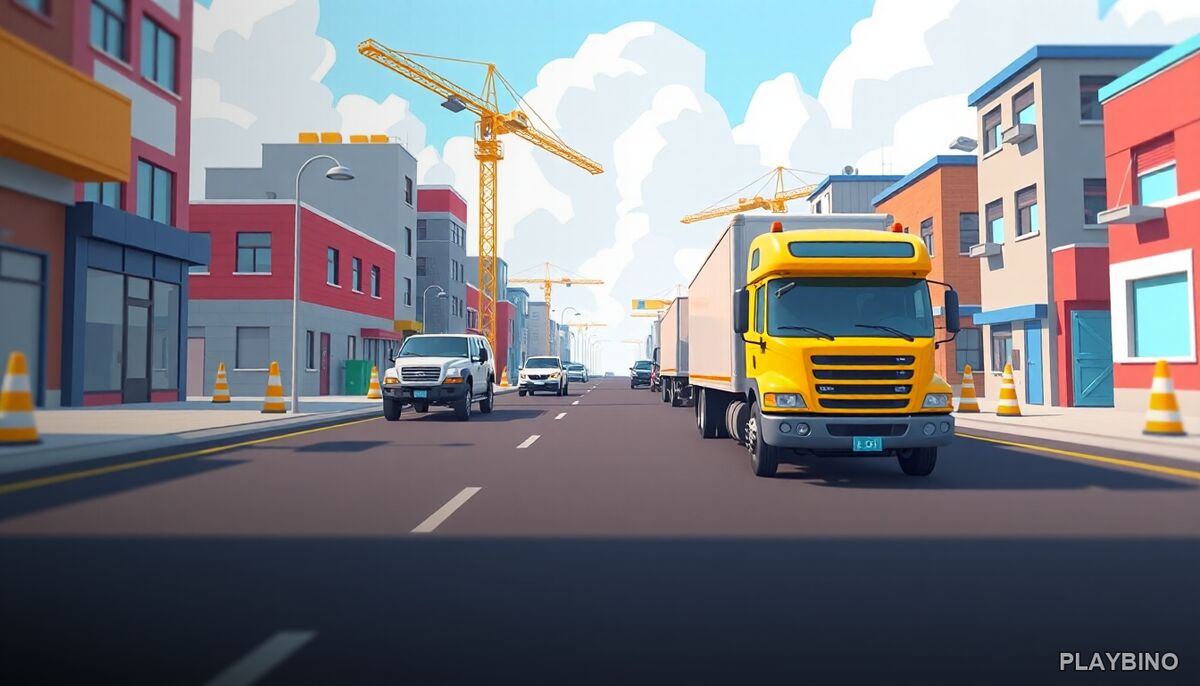
Not every driving game needs a finish line. City Constructor Driver 3D Game puts you behind the wheel of a heavy-duty truck with one purpose: keep the construction sites supplied. Buildings go up because you show up. The city grows one delivery at a time, and the whole loop has a calm, idle-simulation rhythm that makes it easy to lose track of time. If you want to try the full haul yourself, the game runs directly in your browser with no downloads needed.
The Delivery Loop Explained
Each run follows a simple structure. You load up your truck with bricks or building materials, navigate city streets to the active construction site, and park in the designated spot. Once you're positioned correctly, the unloading begins — and here's where a small but satisfying mechanic kicks in: tapping during the unload phase speeds up the process. It's a minor interaction, but it keeps you engaged instead of just watching a progress bar.
After unloading, you head back for another load. Repeat that enough times and you'll see the building actually rise. Empty lots fill in. Scaffolding appears. Structures take shape. The visible progress is the core reward here.
Navigation and Parking Precision
Reading the Streets
City streets aren't always wide open. You'll be steering a large truck through urban layouts, which means wide turns, careful lane positioning, and reading the road ahead. The driving physics are accessible — this isn't a hardcore simulation — but lining up your approach to the unloading zone does require some attention. Pulling in at the wrong angle wastes time and forces a correction.
Hitting the Right Spot
Parking accuracy matters more than raw speed. The game rewards clean positioning at the unloading marker, so learning the approach angles for each site pays off over multiple runs. Once you've done a route a few times, the muscle memory builds and deliveries start flowing faster.
Using Multiple Transport Tracks
One of the smarter systems in the game is the ability to run multiple transport tracks simultaneously. Instead of one truck making solo trips, you can set up parallel supply lines that keep materials moving to different sites at the same time. This is where the idle-simulation side of the game opens up. Managing which routes are active, which sites need priority, and how to avoid bottlenecks adds a light layer of strategy on top of the straightforward driving.
- Activate additional tracks as construction demand increases
- Prioritize sites that are closest to completing a structure
- Use tapping during unload to reduce idle time between runs
- Plan routes to minimize backtracking across the city map
Why the Progression Feels Rewarding
The game doesn't use timers or fail states in the traditional sense. There's no clock counting down, no penalty for a slow run. What drives you forward is the city itself. Watching a vacant lot become a building because of your supply runs creates a quiet sense of ownership over the urban landscape. It's the kind of low-pressure progression that works well for players who want something engaging without high-stakes tension.
The idle elements mean you can step back and let routes run, then return to optimize or push a new construction phase. It sits comfortably between active driving game and relaxed city-builder, which is a combination that doesn't show up often in browser games.
A Similar Experience Worth Exploring
City Constructor Driver 3D — Fun & Run 3D Game takes a comparable approach to urban truck driving, and this look at that version covers how the mechanics shift when the pace picks up. If you enjoy the delivery loop here but want something with a slightly different feel, it's a natural next stop. Both games share the construction-driving concept but offer distinct experiences worth comparing on PlayBino.