Peanut Butter Jelly Sandwich: A Relaxed Cooking Simulation Worth Making
What Kind of Game Is This?
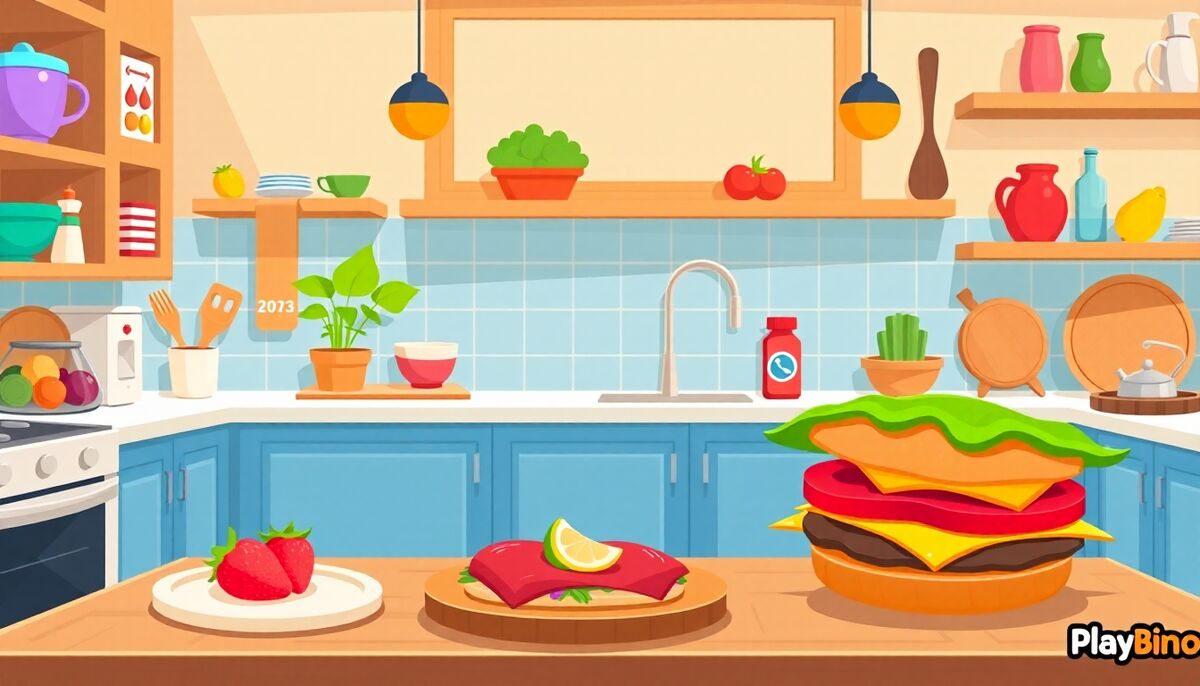
Not every browser game needs combat or high scores to hold attention. Peanut Butter Jelly Sandwich is a single-player cooking simulation built around the satisfying routine of assembling a sandwich from scratch. The premise is simple: follow a recipe, pick the right ingredients, spread toppings in the right order, and stack each layer until your sandwich is complete. If you want a low-pressure activity that still keeps your hands busy, this browser cooking sim delivers exactly that.
Step-by-Step Assembly Mechanics
The core loop revolves around guided preparation. Each recipe breaks down into a sequence of actions displayed clearly on screen. You select an ingredient, apply it to the bread, move to the next step, and repeat. Nothing is hidden or ambiguous. The colorful interface highlights available items so you always know what to reach for next.
Ingredient Selection
Choosing the correct item from the ingredient panel is the main interaction. The game presents options visually, making it accessible without reading heavy instructions. You tap or click the right element, and the animation plays out before the next step appears.
Spreading and Layering
Some steps involve spreading peanut butter or jelly across the bread surface. The spreading mechanic introduces a small amount of physical interaction that keeps the process from feeling entirely passive. Timing is light here — enough to stay engaged, not enough to cause frustration.
Recipes and Variety
The game offers more than just the classic peanut butter and jelly combination. Several sandwich varieties give players a reason to return after finishing the first recipe. Each one follows the same guided format but introduces different ingredients and layering sequences, which keeps the routine feeling fresh across multiple sessions.
- Classic peanut butter and jelly on white bread
- Alternative spreads and ingredient combinations
- Varying assembly orders depending on the recipe
- Colorful visual feedback after each completed step
The Atmosphere and Pacing
One of the clearest design choices here is the relaxed atmosphere. There are no countdown timers pushing you to rush, no penalty system punishing wrong moves, and no score multiplier demanding perfection. The simulation leans into the calm side of cooking games, making it a comfortable option when you want something light rather than intense.
The visual style reinforces this mood. Bright colors, clean ingredient illustrations, and smooth animations make the interface pleasant to look at. It feels like a casual cooking activity rather than a test of reflexes or memory.
Who Plays This Kind of Game?
Cooking simulations like this one tend to appeal to players who enjoy process-based gameplay — following steps, completing small tasks, and seeing a finished product appear on screen. The single-player format means there is no competitive pressure, and the short session length makes it easy to pick up and put down. Younger players and anyone who enjoys casual simulation titles will find the format familiar and comfortable.
Cake Maker Kids Cooking follows a similar approach to virtual food preparation, and that cooking experience is worth exploring if you enjoy this style of guided recipe gameplay.
Gameplay Feel and Replay Value
Each run through a recipe takes only a few minutes, which means the game works well in short bursts. The replay value comes from trying different recipes rather than replaying the same one for a higher score. Once you complete a sandwich, the satisfaction comes from the assembly itself — the process, not the outcome. PlayBino hosts the game directly in the browser, so there is no installation required and sessions can start immediately. For anyone who enjoys casual cooking content or process-driven simulation, the format delivers a clean and comfortable experience.