Pop It 3D Fidget Toy Maker: Design, Customize, and Relax
What Kind of Game Is This?
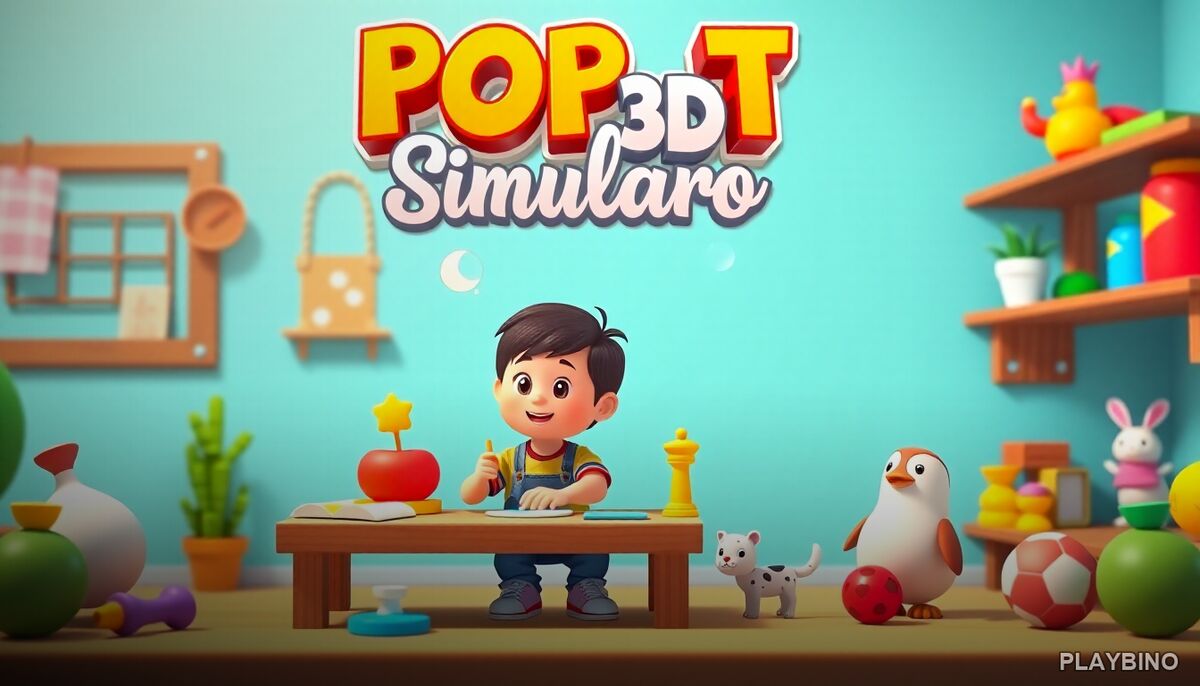
Pop It 3D Fidget Toy Maker sits in an interesting space between simulation and clicker gameplay. Rather than chasing high scores or racing against a timer, the focus is entirely on creation. You design fidget toys from scratch — choosing shapes, layering colors, and decorating each piece until it feels complete. The pacing is slow and intentional, which makes it stand out from faster arcade titles. Try the full creative process directly in your browser and see how quickly the customization loop pulls you in.
The Design Process
Each session starts with selecting a base shape for your fidget toy. The variety of forms available gives you a starting point, but the real decisions come afterward. Applying color is one of the most satisfying parts — a spray mechanic lets you coat surfaces with vibrant hues, and watching the toy transform under each pass feels genuinely rewarding.
Stickers and Embellishments
Once the base color is set, stickers and decorative elements become available. These additions let you push each toy further into something personal. Small details like placement and layering matter more than they might seem at first, and experimenting with different combinations produces noticeably different results.
No Two Toys Look Alike
The customization system is open enough that two players working with the same shape will almost certainly end up with different finished toys. That variability keeps the creative loop interesting across multiple sessions rather than feeling repetitive after the first few minutes.
Sound Design and Atmosphere
The gentle sound effects throughout the game do a lot of quiet work. Each click, spray, and sticker placement comes with soft audio feedback that reinforces the therapeutic feel the game is going for. It creates a calming atmosphere that suits the single-player simulation format well. If you use the game as a short break activity, the audio helps signal that shift in pace.
Who Plays This and Why
The clicker and simulation tags describe the mechanics accurately, but the appeal goes a bit deeper than genre labels. Players who enjoy creative customization without competitive pressure will find the format comfortable. It works well as a low-stakes activity between longer gaming sessions, or simply as something to open when you want to make something without any stakes attached. The browser format means there's no setup — you open it and start building immediately.
The Earth Evolution takes a completely different approach to simulation — if you're curious about a game built around long-term progression and scale rather than relaxed creativity, that simulation experience covers a very different kind of building loop.
Replay Value and Progression
Because the game doesn't track scores or push you toward specific goals, replay value depends on your interest in the creative side. Players who enjoy experimenting with color combinations and decoration will return naturally. The variety of shape options and the open customization system provide enough range that each session can produce something new without feeling like repetition.
- Multiple base shapes to build from
- Spray color tool with vibrant palette options
- Sticker and embellishment layers for personalization
- Smooth animations that respond to each design action
- Calming sound effects supporting a relaxed pace
- Single-player format with no time pressure
Browser Accessibility
Pop It 3D Fidget Toy Maker runs entirely in the browser on PlayBino, which means no downloads or installations. The controls are simple enough that anyone can start immediately — clicking and dragging cover most of the interaction. That low barrier to entry fits the relaxed tone of the game and makes it accessible without any prior experience with simulation or clicker titles.
"