Roblox Run 3D: Obstacle Course Action in Your Browser
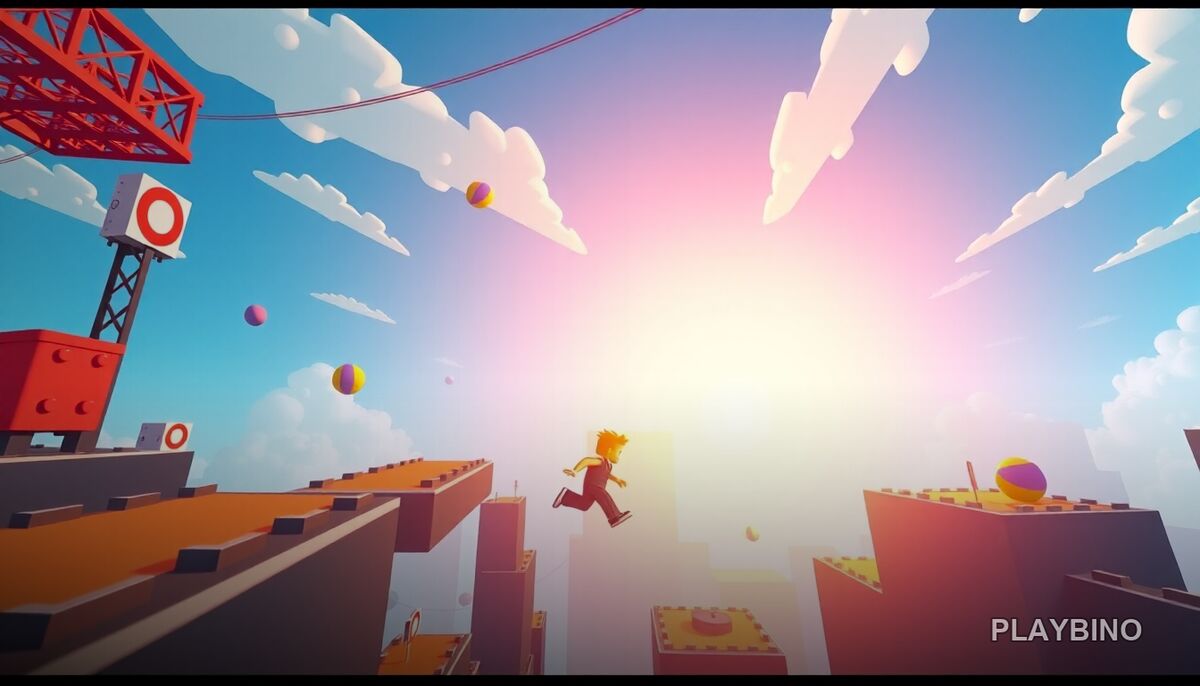
What Kind of Game Is This?
Roblox Run 3D drops you into a series of colorful, fast-moving obstacle courses where your reflexes do most of the work. The visual style pulls from the blocky, vibrant aesthetic of the Roblox universe, but the gameplay is pure arcade action — jump, slide, weave, and keep moving. Stages get progressively tighter and faster, so the early levels serve as a warm-up before the real pressure kicks in. If you want to try this endless runner in your browser, no download is needed.
How the Movement Works
The core loop is straightforward: you run forward automatically while controlling jumps, slides, and lateral movement to avoid obstacles. What makes it engaging is the rhythm that builds as you get comfortable with a track. Each section has a pattern, and once you start reading those patterns ahead of time rather than reacting at the last second, your runs get noticeably cleaner.
Timing Your Jumps
Gaps between platforms punish late jumps hard. The game rewards committing early — if you wait until the edge, you will often clip the obstacle or fall short. Watching a few beats ahead and jumping slightly before instinct tells you to is the key adjustment most players need to make.
Sliding and Lane Changes
Some passages require ducking under low barriers while others demand quick lateral shifts to avoid walls closing in from the sides. The two mechanics rarely appear together at first, but later stages layer them simultaneously, which is where the real arcade challenge lives.
Character Cards and Unlocks
Scattered across each course are character cards that accumulate as you play. Collecting enough of a specific card unlocks a new avatar, giving you a visual reason to replay stages beyond just chasing a better run. The unlockable characters do not change the physics or difficulty — they are cosmetic variety — but they add a satisfying collection layer that keeps the experience from feeling purely mechanical.
Course Design and Difficulty Curve
The level design follows a clear escalation. Early stages introduce single hazard types with generous spacing. Mid-game courses start combining barrier types and shrinking the windows for error. Late stages push speed up noticeably, which compresses your reaction time and turns familiar obstacle patterns into genuine challenges.
- Colorful 3D environments with distinct visual themes per stage
- Increasing speed across later levels that tightens timing windows
- Mixed hazard types including gaps, barriers, and side obstacles
- Character card collectibles spread across each course
- Smooth movement that maintains momentum through successful sections
Who Plays Best Here
Players who enjoy action-arcade games built around muscle memory and pattern recognition will find a comfortable home in Roblox Run 3D. The short stage format means a single run rarely takes long, making it easy to attempt one more course without a large time commitment. It suits both casual sessions and focused improvement runs where you replay a tricky stage to nail the timing.
If the endless runner format appeals to you, Pixel Heroes Runner offers a similar fast-paced challenge worth exploring alongside this one on PlayBino.
Strategy Tips for Better Runs
The biggest improvement comes from slowing your eyes down mentally even as the game speeds up physically. Focus on the space two or three obstacles ahead rather than the one directly in front of you. This gives your brain enough time to queue up the correct input before the obstacle arrives. For stages with rapid lane changes, pick a default lane and only shift when an obstacle forces you — constant unnecessary movement increases the chance of mistiming a jump or slide.