Wood Crafting: Browser Simulation of Real Woodworking
What Kind of Game Is This?
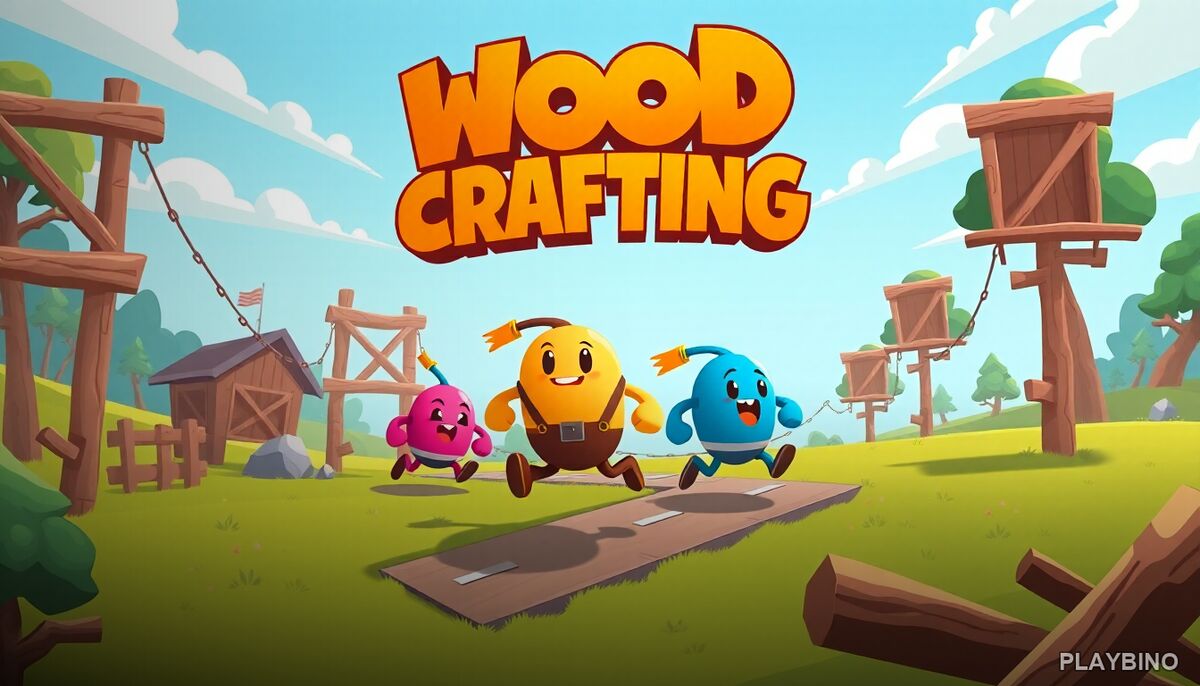
Most browser games push you toward speed and reflex. Wood Crafting takes a different direction entirely. It is a single-player simulation built around craftsmanship — selecting a project, picking up the right tools, and guiding raw wood through each stage of creation. There are no enemies, no timers counting down, and no score multipliers. The focus is entirely on the process itself.
If that sounds appealing, the browser version on PlayBino is straightforward to load and start. No installation needed, no account required.
The Crafting Process
Each project begins with raw material and a pattern to follow. You select tools appropriate to the task — saws for cutting, chisels or shapers for detail work, finishing tools for the final surface. The game walks you through each step in sequence, so you are never left guessing what comes next. The satisfaction comes from executing each step cleanly.
Cutting and Shaping
Cutting requires following a line or matching a shape. Move too fast or deviate from the pattern and the result suffers. The game rewards steady, deliberate input rather than quick reactions. Shaping stages ask you to remove material gradually, which means patience matters more than speed.
Finishing Stages
Once the shape is correct, finishing tools smooth the surface and bring out the detail. These stages feel noticeably different from cutting — slower, more controlled, and visually satisfying as the piece comes together. The transition from rough cut to finished object is where the simulation earns its meditative reputation.
Precision Over Speed
The core skill mechanic in Wood Crafting is precision. Unlike skill games built on timing windows or quick taps, this one asks you to stay on path, apply the right pressure, and follow instructions at each stage. Mistakes are visible in the final result, which creates a quiet but real sense of accountability. You can see exactly where you rushed or drifted.
This makes it genuinely different from most simulation titles in the browser space. The challenge is self-imposed — you decide how carefully you want to work, and the output reflects that decision.
Project Variety and Progression
The game offers multiple project types, ranging from simpler objects to more intricate designs. Early projects introduce the tools and basic techniques. Later ones combine multiple steps, ask for tighter tolerances, or introduce new finishing methods. The progression feels natural rather than forced, and each completed project teaches something applicable to the next.
- Simple starter projects that introduce tool mechanics
- Mid-tier builds combining cutting and shaping stages
- Detailed designs requiring careful finishing work
- Varied materials or patterns across different project types
Who Plays This and Why
Wood Crafting suits players who find fast-paced action games exhausting rather than exciting. The relaxed pacing is a deliberate design choice, not a limitation. If you enjoy simulation games where attention to detail produces a better outcome, this fits that preference well. It also works as a short-session game — a single project can be completed in a few minutes, making it easy to pick up and put down.
The closest comparison in browser gaming might be creative crafting simulations like Pumpkin Carving — that one takes a similar hands-on approach to shaping a material step by step, if you want something with a comparable feel.
Controls and Feel
Controls are mouse-driven and intuitive. You guide tools across the wood surface by clicking and dragging, following on-screen indicators. The feedback is visual — you see the material respond to each action. There is no complex button mapping to learn, which keeps the experience accessible from the first session.
The pacing reinforces the simulation tone. Nothing rushes you. The game trusts you to engage with the craft at your own speed, which is exactly what makes it work for players who want something calm and satisfying in a browser window.